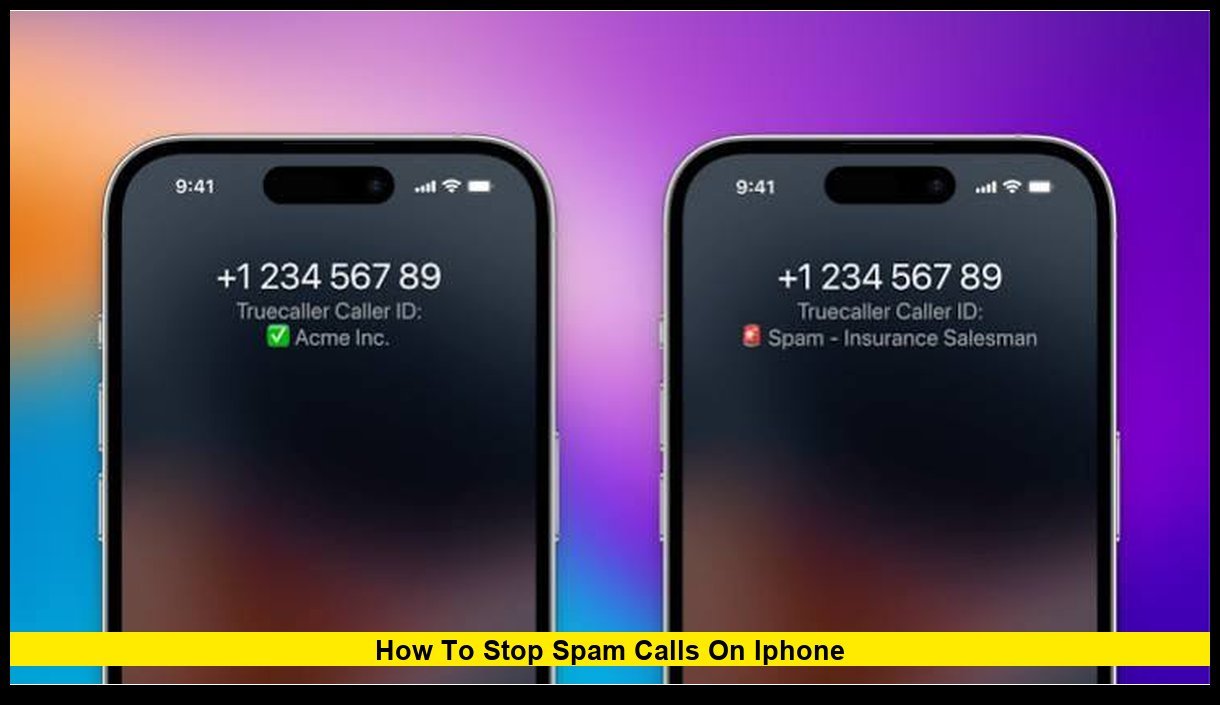
If you’re wondering how to stop spam calls on iPhone, the latest iPhone updates in 2026 offer more tools than ever to reduce robocalls, scam calls, and unwanted telemarketing interruptions. Apple has expanded call filtering options, improved spam detection capabilities, and introduced enhanced screening features that help users decide whether an unknown caller is legitimate before answering.
Spam calls remain one of the biggest frustrations for smartphone users across the United States. Despite efforts by carriers and federal agencies, millions of Americans still receive unwanted calls every day. Fortunately, iPhone users now have several built-in options that can dramatically reduce these interruptions without installing additional software.
Why Spam Calls Continue to Be a Problem
Scammers constantly change tactics. They use spoofed phone numbers, automated dialing systems, and fake caller IDs to make calls appear legitimate.
Common spam call categories include:
- Fake bank fraud alerts
- IRS impersonation scams
- Medicare and health insurance scams
- Package delivery scams
- Credit card offers
- Extended vehicle warranty calls
- Tech support scams
- Investment fraud schemes
Many of these callers rotate phone numbers frequently, making manual blocking alone ineffective.
Apple’s Built-In Spam Call Protection Features
Apple has continued improving call management on iPhone. Current versions of iOS provide multiple tools designed specifically to reduce unwanted calls.
These features include:
| Feature | Purpose |
|---|---|
| Silence Unknown Callers | Sends unknown callers directly to voicemail |
| Call Screening | Screens unknown callers before connecting |
| Block Contact | Blocks specific phone numbers |
| Spam Reporting | Allows reporting suspicious callers |
| Carrier Call Filtering | Works with supported mobile carriers |
Using a combination of these tools creates the strongest defense against spam calls.
Enable Silence Unknown Callers
One of the most effective tools available on iPhone is Silence Unknown Callers.
When enabled, calls from numbers that are not in your contacts, recent outgoing calls, or recognized by Siri Suggestions will not ring. Instead, they are automatically sent to voicemail while still appearing in your recent calls list.
Steps to Enable It
- Open Settings
- Tap Apps
- Select Phone
- Find Screen Unknown Callers
- Enable Silence Unknown Callers
This feature remains one of Apple’s primary recommendations for reducing spam call interruptions.
Benefits
- Eliminates most robocalls instantly
- Prevents disruptions during work or personal time
- Keeps missed calls available in Recents
- Allows voicemail review later
Drawbacks
- Important calls from unsaved numbers may also be silenced
- Doctors, contractors, schools, and delivery drivers may be affected
- New business contacts may go directly to voicemail
Because of these limitations, some users prefer Apple’s newer call screening options.
Use Call Screening for Better Protection
Apple’s newest call management technology gives users more control than simple call silencing.
Instead of automatically rejecting unknown callers, Call Screening asks callers to identify themselves and explain why they are calling.
The response is transcribed and displayed on your screen, allowing you to decide whether to answer.
Why Call Screening Is Effective
Most robocall systems cannot respond to screening prompts.
Scammers often hang up rather than identifying themselves.
Legitimate callers usually provide enough information for you to determine whether the call is important.
Benefits of Call Screening
- Filters spam without missing legitimate callers
- Provides context before answering
- Reduces scam call interruptions
- Helps identify important business calls
Many iPhone users report that call screening significantly cuts down on unwanted calls while allowing real callers to get through.
Block Individual Numbers
If the same spammer repeatedly contacts you, blocking that number is still worthwhile.
To Block a Caller
- Open the Phone app
- Select Recents
- Tap the information icon next to the number
- Scroll down
- Select Block Caller
Blocked callers cannot call, message, or FaceTime you.
Although scammers often switch numbers, blocking persistent offenders can reduce repeat attempts.
Report Spam Calls
Apple allows users to report suspicious activity.
Reporting helps improve spam detection systems and may assist carriers in identifying fraudulent callers.
When to Report
- Caller claims to be from Apple unexpectedly
- Caller requests money or gift cards
- Caller asks for banking information
- Caller threatens legal action
- Caller pressures immediate payment
Never provide personal information during unexpected calls.
Take Advantage of Carrier Spam Protection
Major U.S. wireless carriers provide spam filtering services.
Most carriers now use advanced network-level detection systems that identify suspicious calls before they reach your device.
Typical Carrier Features
- Spam labeling
- Fraud warnings
- Automatic blocking
- Caller verification
- Scam likelihood detection
Many carrier tools work automatically and require little setup.
Keep iOS Updated
Apple frequently improves spam protection with software updates.
Installing the latest version of iOS ensures access to:
- New call screening features
- Security patches
- Improved spam detection
- Better caller identification
To check for updates:
- Open Settings
- Select General
- Tap Software Update
Keeping your device current helps maximize protection.
Save Important Numbers in Contacts
One simple strategy prevents legitimate calls from being blocked accidentally.
Add important contacts such as:
- Doctors
- Family members
- Schools
- Employers
- Banks
- Insurance companies
- Delivery services
When these numbers are stored in Contacts, Apple’s filtering systems are less likely to treat them as unknown callers.
Use Focus Mode to Limit Calls
Focus Mode provides another layer of protection.
Users can create custom rules allowing calls only from approved contacts.
Example Settings
- Work Focus: Allow colleagues only
- Sleep Focus: Allow family only
- Personal Focus: Allow favorites only
This feature is particularly useful during meetings, vacations, and overnight hours.
Register With the National Do Not Call Registry
The Federal Trade Commission maintains the National Do Not Call Registry.
Legitimate telemarketers must respect registered numbers.
Important Notes
Registration helps reduce:
- Marketing calls
- Sales solicitations
- Promotional outreach
However, scammers often ignore registry rules.
Therefore, registration should be viewed as one layer of protection rather than a complete solution.
Watch for Common Scam Tactics
Modern phone scams have become increasingly sophisticated.
Be cautious if callers:
- Create a sense of urgency
- Demand immediate payment
- Request cryptocurrency
- Ask for remote computer access
- Claim prizes or sweepstakes winnings
- Threaten arrest or legal action
Legitimate organizations rarely make such demands during unsolicited calls.
How Robocalls Are Changing in 2026
Scammers increasingly use artificial intelligence and voice synthesis technology.
Some fraudsters can generate convincing recordings that sound human.
Because of this trend, screening unknown callers has become more important than ever.
Advanced call filtering tools help prevent these AI-generated scam calls from reaching users directly.
Should You Use Third-Party Spam Blocking Apps?
Many users choose additional protection through spam-blocking applications.
These apps maintain databases of known spam numbers and update them regularly.
Potential benefits include:
- Larger spam databases
- Community reporting
- Real-time identification
- Fraud alerts
Before installing any app, review privacy permissions carefully.
Users should only download reputable applications from the App Store.
Signs a Call Is Probably Legitimate
Not every unknown number is spam.
A call may be legitimate if:
- The caller leaves a detailed voicemail
- A company references an existing account
- A doctor’s office provides appointment details
- A delivery service references a package
- A business follows up after an inquiry
Reviewing voicemail before returning calls can help verify legitimacy.
Best Settings Combination for Most iPhone Users
For the strongest protection, many users combine several tools:
- Enable Call Screening
- Activate Silence Unknown Callers if spam volume is severe
- Use carrier spam filtering
- Keep iOS updated
- Block repeat offenders
- Save important contacts
- Review voicemail regularly
This layered approach provides the best balance between convenience and security.
Frequently Asked Questions
Can iPhone completely stop spam calls?
No device can eliminate every spam call. However, Apple’s current filtering and screening tools can dramatically reduce them.
Will Silence Unknown Callers block emergency calls?
Emergency services can still contact you. Important calls may also appear in voicemail and recent call logs.
Can scammers leave voicemails?
Yes. Even when calls are silenced, callers can still leave voicemail messages.
Does blocking a number stop text messages too?
Yes. Blocked numbers cannot send standard calls, texts, or FaceTime requests.
Is Call Screening better than Silence Unknown Callers?
Many users prefer Call Screening because it provides information about callers before deciding whether to answer.
Final Thoughts
Spam calls continue to evolve, but iPhone users now have powerful tools to fight back. Features such as Silence Unknown Callers, Call Screening, carrier spam filtering, and manual blocking provide multiple layers of defense against robocalls and scam attempts. Taking a few minutes to configure these settings can significantly reduce interruptions and help protect your personal information from fraudsters.
Have you found an effective way to reduce spam calls on your iPhone? Share your experience in the comments and stay updated on the latest iPhone security features.